
How To Do An SEO Audit (Free Tool, Step By Step)
Ben, director of Perth Digital Edge, shows how to do an SEO audit using Google Search Console, PageSpeed Insights and the agency's own audit tool. The tool turns your pages and a keyword into a report covering on-page factors, backlinks and a content brief.
Published
27 November 2026
Read time
4 min read
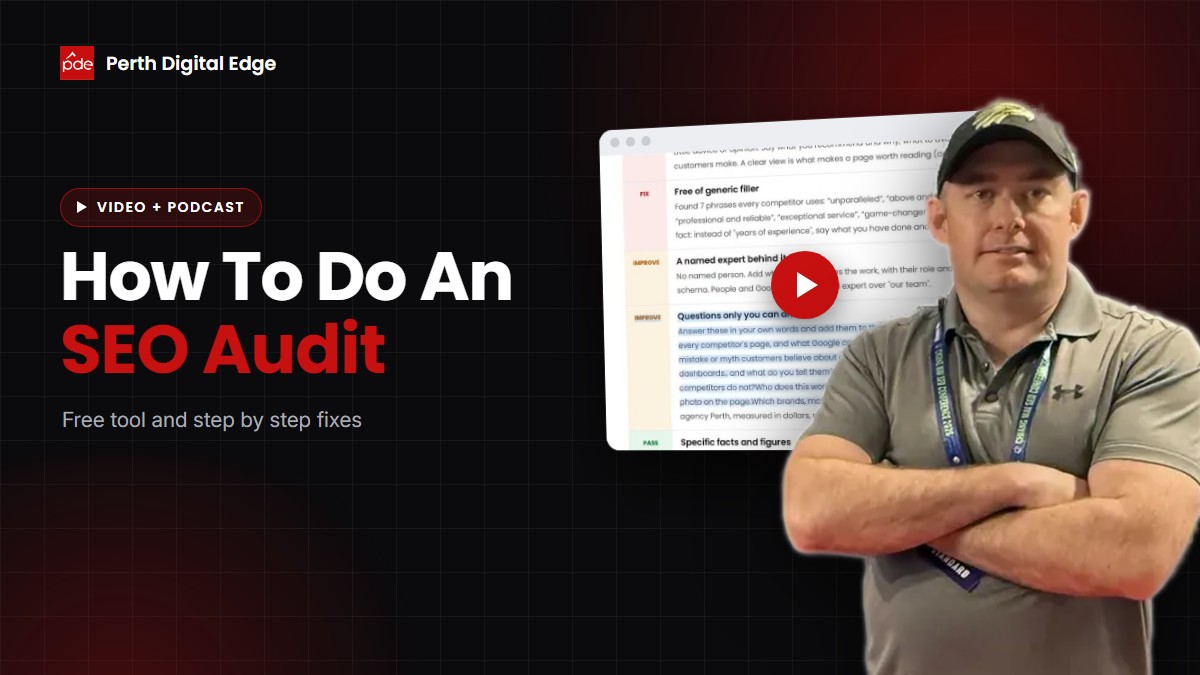
Ben, director of Perth Digital Edge, shows how to do an SEO audit using Google Search Console, PageSpeed Insights and the agency's own audit tool. The tool turns your pages and a keyword into a report covering on-page factors, backlinks and a content brief.
What You’ll Learn
- You need access to your Google Search Console and a list of the pages you want to target.
- Enter your website at pagespeed.web.dev to check it in PageSpeed Insights.
- Perth Digital Edge's tool pulls data from several sources through API connections. You enter up to 10 pages and a keyword, and the report takes about four or five minutes.
- The report is emailed as a PDF covering on-page factors, your backlink profile and a content brief, and you work through each section and fix what it says.
- The questions in the report are the most useful part. Ben suggests asking an AI assistant like Claude to help you answer them with your own insight for your content.
More on how to do an seo audit
Listen to the Podcast Episode
Transcript
Hi everyone, my name is Ben from Perth Digital Edge, I'm the director. And basically I want to take you through today how to do an SEO audit. Now, over the years, I've seen a lot of tools do this very, very badly and they're just generic in nature. So, what I'm going to do is I'm going to show you how to do one that's bloody well awesome. Of course, you need to have access to your Google Search Console to do it.
It's best that you have the pages that you want to target as well. And from there, you can go look into your Search Console data and you can also look at your PageSpeed Insights at pagespeed.web.dev and you can enter your website and you can see this is my website. One thing I will say is if you don't know what you're looking for, or what you're doing, this can be hit and miss. So what we've done at Perth Digital Edge is we've actually made a tool that pulls data from every source using API connections and that kind of stuff. So it's connected to the Search API, the Google Cloud API, the SEER API, the Surfer SEO API, and the Ahrefs API for search data and SEMrush.
So, what actually happens here (and this is the tool) is you put your page, a couple of pages, you can put up to 10, and you put your keyword in here. And it creates a report for you. Basically it takes about four or five minutes to do. And from here, it gives you insights into what you kind of need to fix. So an example is this page here, this is one I ran earlier.
And it looks at all of the on-page factors, things that you should probably have a look at and fix, and it looks at your backlinking profile and the content brief and what to improve on-page terms, that kind of stuff. Now, of course, Google isn't really looking at on-page terms, but it is a factor and we do recommend that you put them on the page. Now it's more about the real proof and that you do what you do and you have to provide your insight to actually do it. So when the tool does it, it sends you an email and this is the email that I did before. And it creates a PDF and the PDF looks just like this and I'll scan up to the top.
And you can go through each section and literally just fix what it says and even if you give it to Claude or whatever, and say "Hey, these are the things I want to fix," it will do it for you. The major thing here is these questions here. I would be asking Claude, you know, like how to answer these questions, and get it to ask you questions to put into your content, that's what I would be doing. So I hope this video has been helpful and you get something out of it. Make sure you like and follow, I'll be posting a lot more stuff coming up and check out perthdigitaledge.com.au if you have any questions, thank you.


Our Technology Partners and Certifications
The platforms we build, run and measure your marketing on every day.
Book a No-Obligation Strategy Session
Tell us your targets on a free discovery call and we will come back with a clear, accountable plan for SEO, Google Ads and your website.